
Description
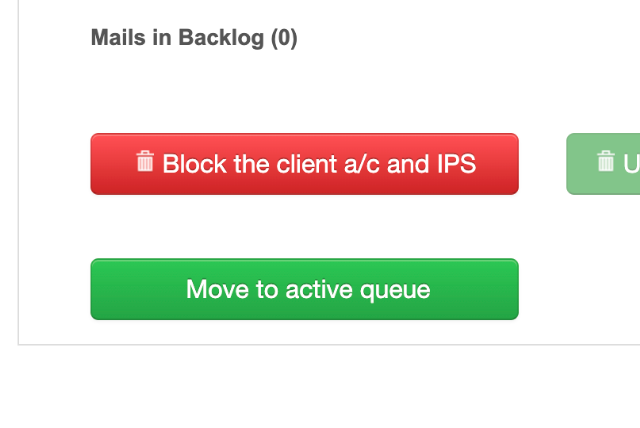
Transactional emails get stuck in the backlog when enough hourly quota is not available. This article will help you with the steps on how to move the backlog to active queue and/or clear the backlog by deleting the emails.
This option is available when there is enough hourly quota available for the client’s account to send backlog emails.
-
Go to Client’s BO,
-
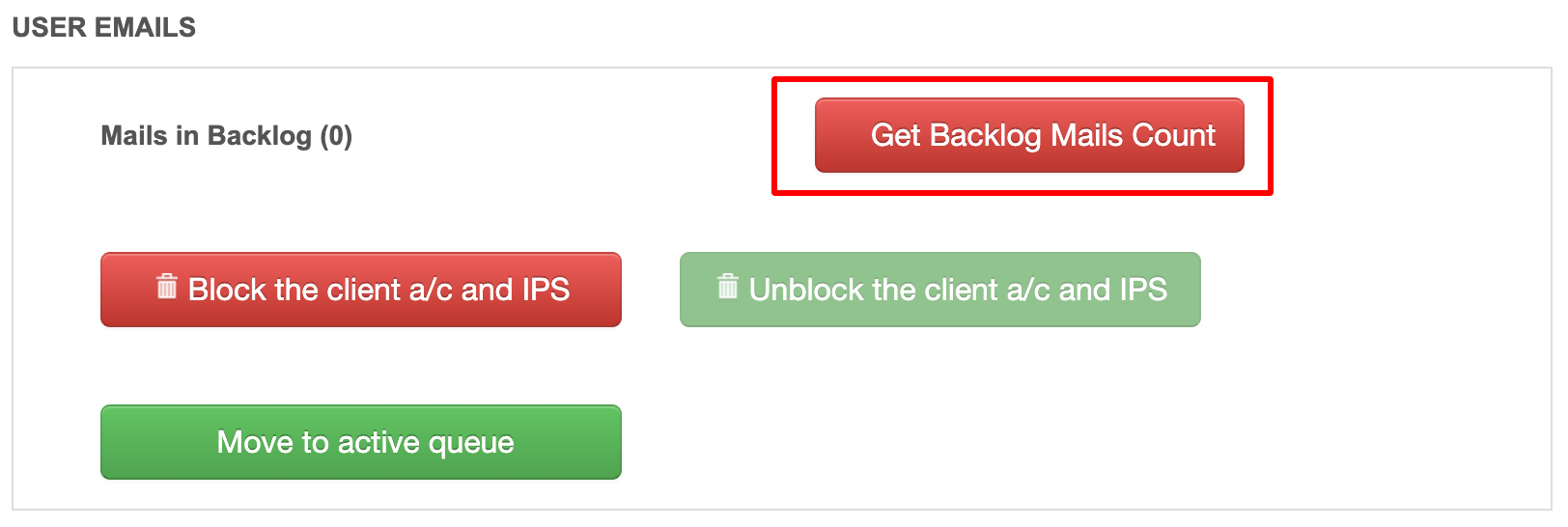
Scroll down to USER EMAILS section in BO,
-
Click on Get Backlog Mails Count to check the number of emails in backlog,
-
Click on Move to active queue to send these emails.
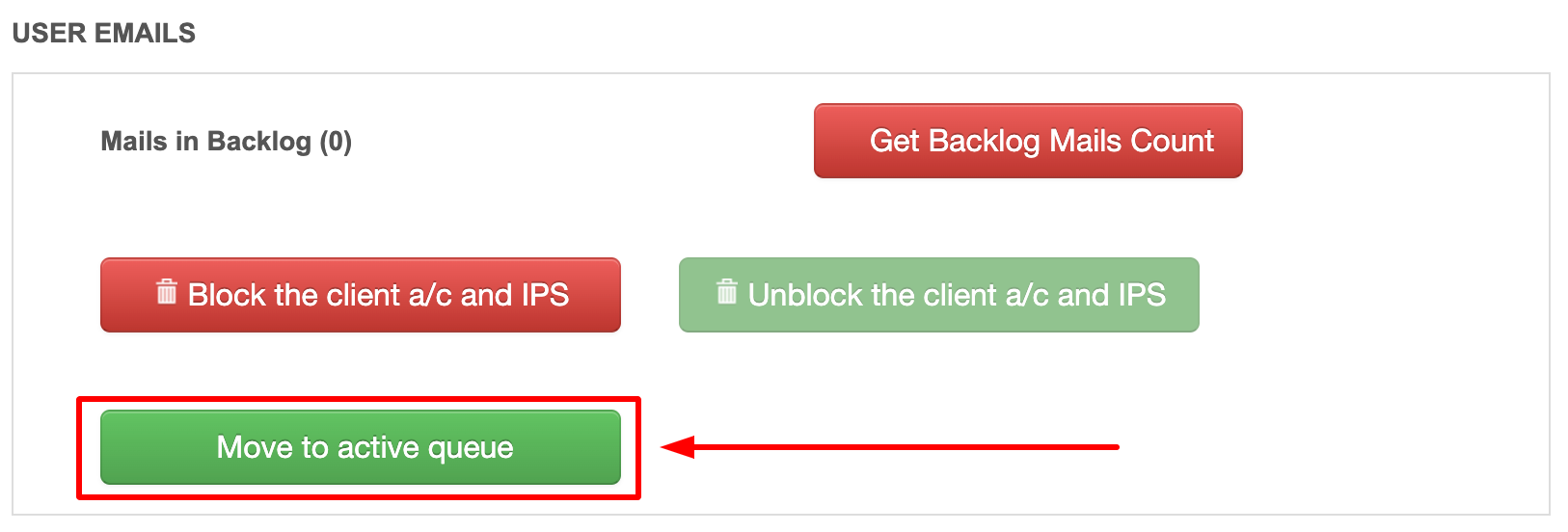
This option is majorly used when emails are collected in backlog for clients on dedicated IP.
Reviews
There are no reviews yet.