Call No/WhatsApp Business : +91 92112 26248 / Mail Address : info@cxcollab.com

How to | Send SMS via Automation

0.00

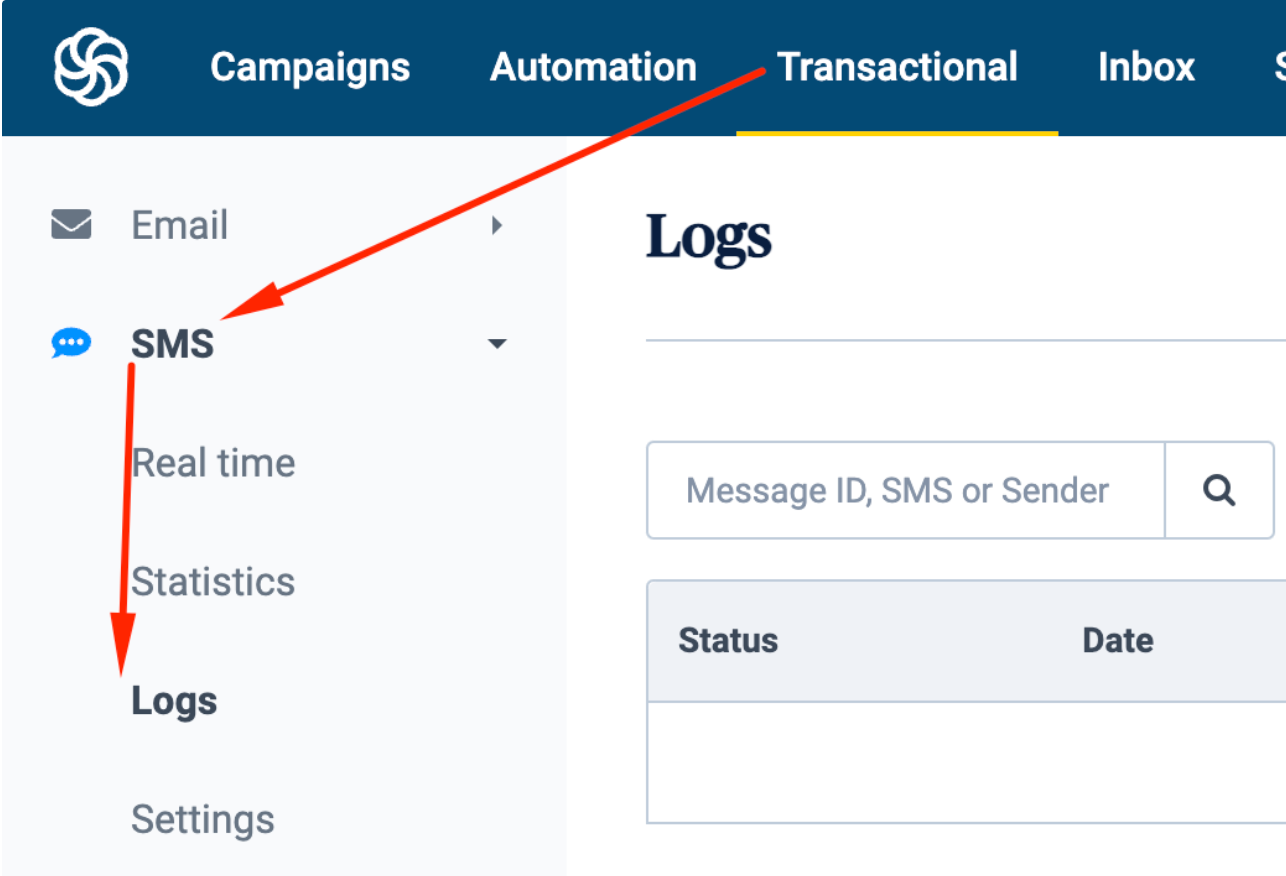
Step-by-step guide to add to workflow a step to send sms Automation workflow allows to select an action to send sms to subscribers. Draft screen looks like this: Fields to fill: From is the sender of the message to be added. SMS message is the content that will be sent out. Switch to Unicode is…

Description

  • This is used to reach out to contacts by SMS for predefined criteria.

  • Automation workflow allows to selection an action to send sms to subscribers.

👁 The steps to trigger the workflow to send sms, must be defined first.

It is sent as a transactional message and thus will be drafted within automation workflow (no premade sms template).
Reviews

There are no reviews yet.

Be the first to review “How to | Send SMS via Automation”

Your email address will not be published. Required fields are marked *